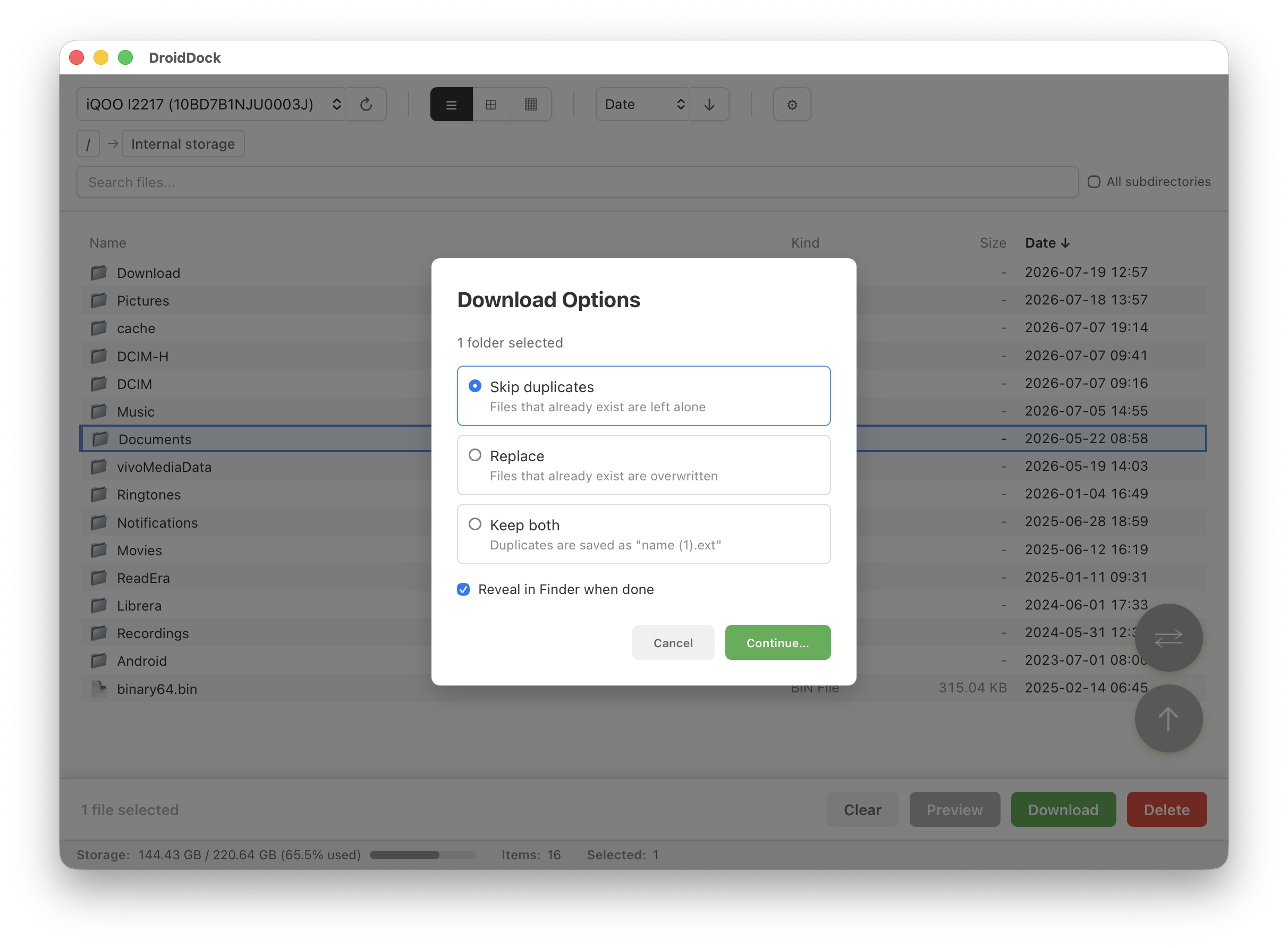
Real DroidDock window — recursive folder download with conflict handling, mid‑transfer.
DroidDock is a native file manager for your Android phone — browse, preview, sync, and download over a USB cable. No cloud account, no cables-and-folders dance.
brew tap rajivm1991/droiddock && brew install --cask
          droiddock
Real DroidDock window — recursive folder download with conflict handling, mid‑transfer.
Mirror whole folders between Mac and Android with pattern filters and timestamp preservation.
Table, grid, and column views, all fully navigable without touching the trackpad.
Follows your Mac's appearance automatically, or set it yourself from Cmd+,.
You don't need to know anything about Android development. This takes about 5 minutes, once.
Download the DMG below, open it, and drag DroidDock into Applications. If macOS says it's "damaged", that's a normal Gatekeeper warning for apps outside the App Store — see the FAQ for the one-line fix.
DroidDock talks to your phone through ADB, Google's own official tool for connecting a computer to an Android device. Open Terminal and run:
brew install android-platform-tools
Don't have Homebrew? Install it first from brew.sh.
This is a hidden Android setting that tells your phone to trust computer connections.
Worried this is risky? See "Is USB debugging safe?" below.
Plug your phone into your Mac with a USB cable. On your phone, tap Allow on the "Allow USB debugging?" prompt (check "Always allow" to skip this next time). Open DroidDock — your phone appears in the device dropdown within a few seconds.
New to Android development terms? Start here.
Yes. USB debugging is Android's official developer interface — the same one Android Studio and every Android tool uses. Enabling it does not root your phone, void your warranty, or expose your phone to the internet. It only allows a computer you've physically connected and explicitly approved (via the "Allow USB debugging?" prompt) to communicate with your device. You can turn it off anytime afterward in Developer options.
ADB (Android Debug Bridge) is a command-line tool made by Google that lets a computer talk to an Android device — list files, install apps, view logs, etc. DroidDock uses it under the hood so you get a normal file-browser window instead of typing commands.
No. Once ADB is installed and you've checked "Always allow" on the debugging prompt, just plug in your phone and open DroidDock — no setup required.
This is Apple's Gatekeeper warning for apps distributed outside the App Store, not a real problem. Run this once in Terminal, then open the app normally:
xattr -cr /Applications/DroidDock.app
No. DroidDock does not collect or transmit any personal data. All communication stays between your Mac and your phone over the USB cable.
A few of the screens you'll actually use
Download entire folders with per-download conflict handling
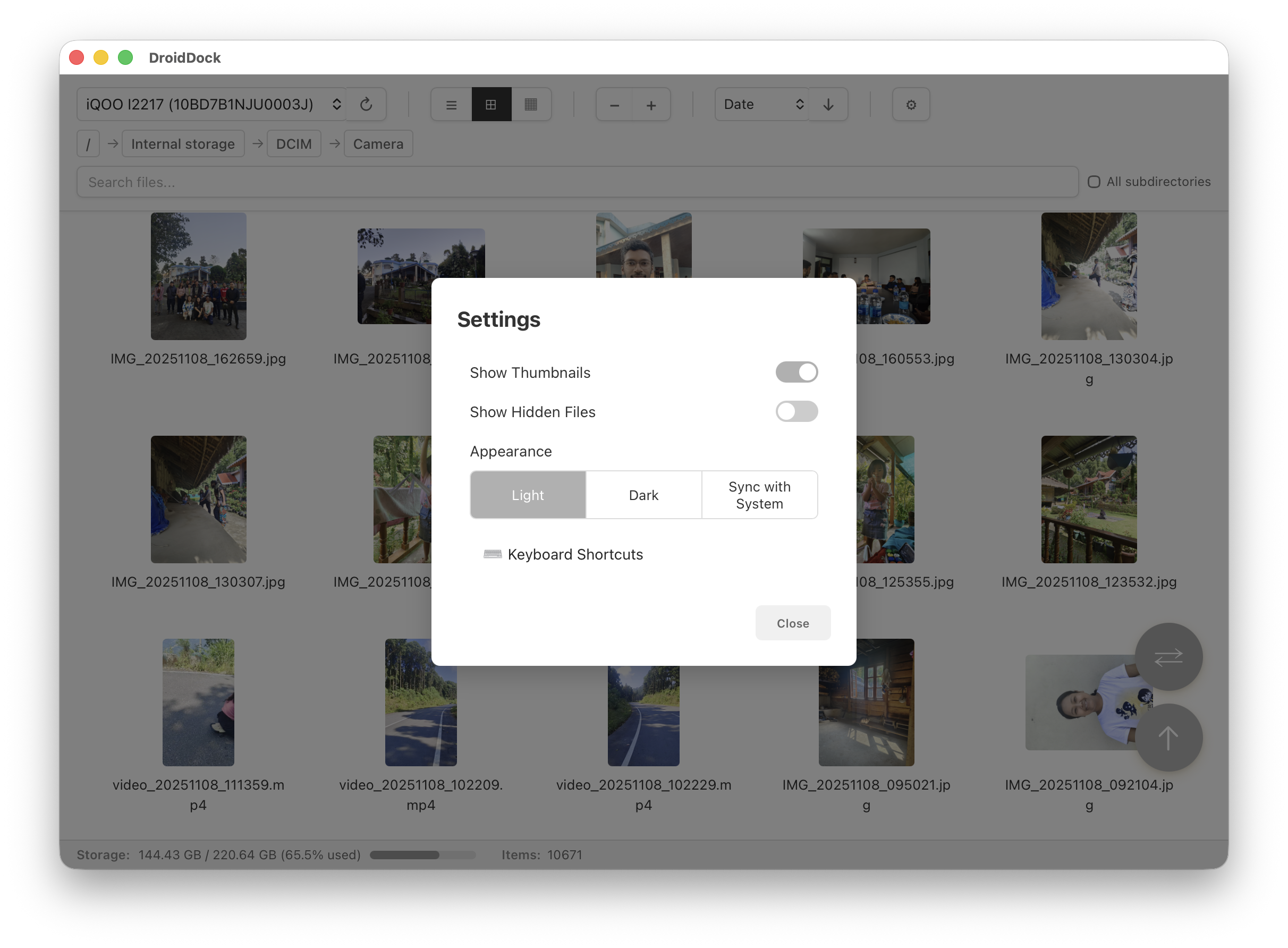
Settings modal with Light/Dark/Sync with System control
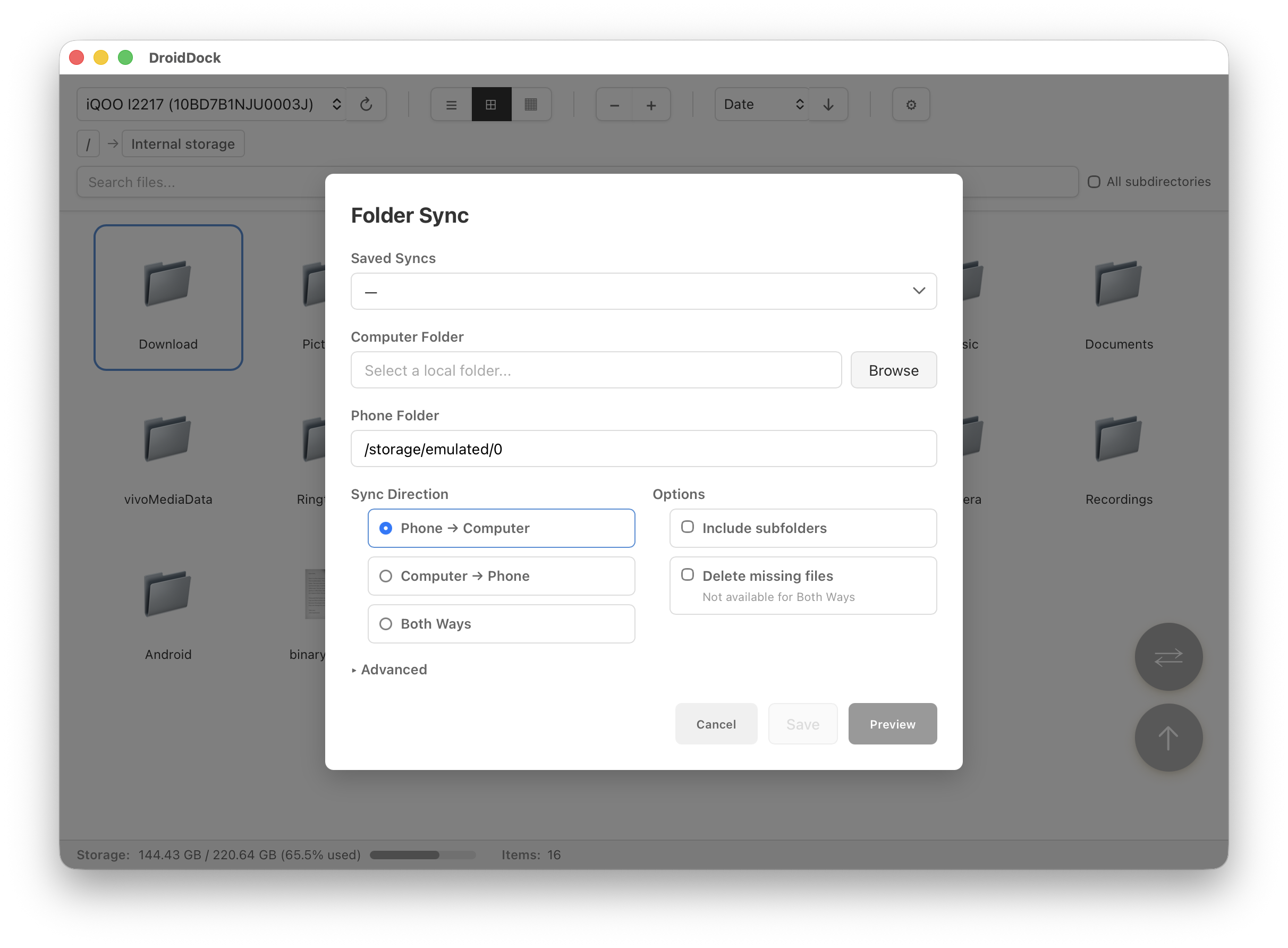
Sync entire folders between Mac and Android with filtering options
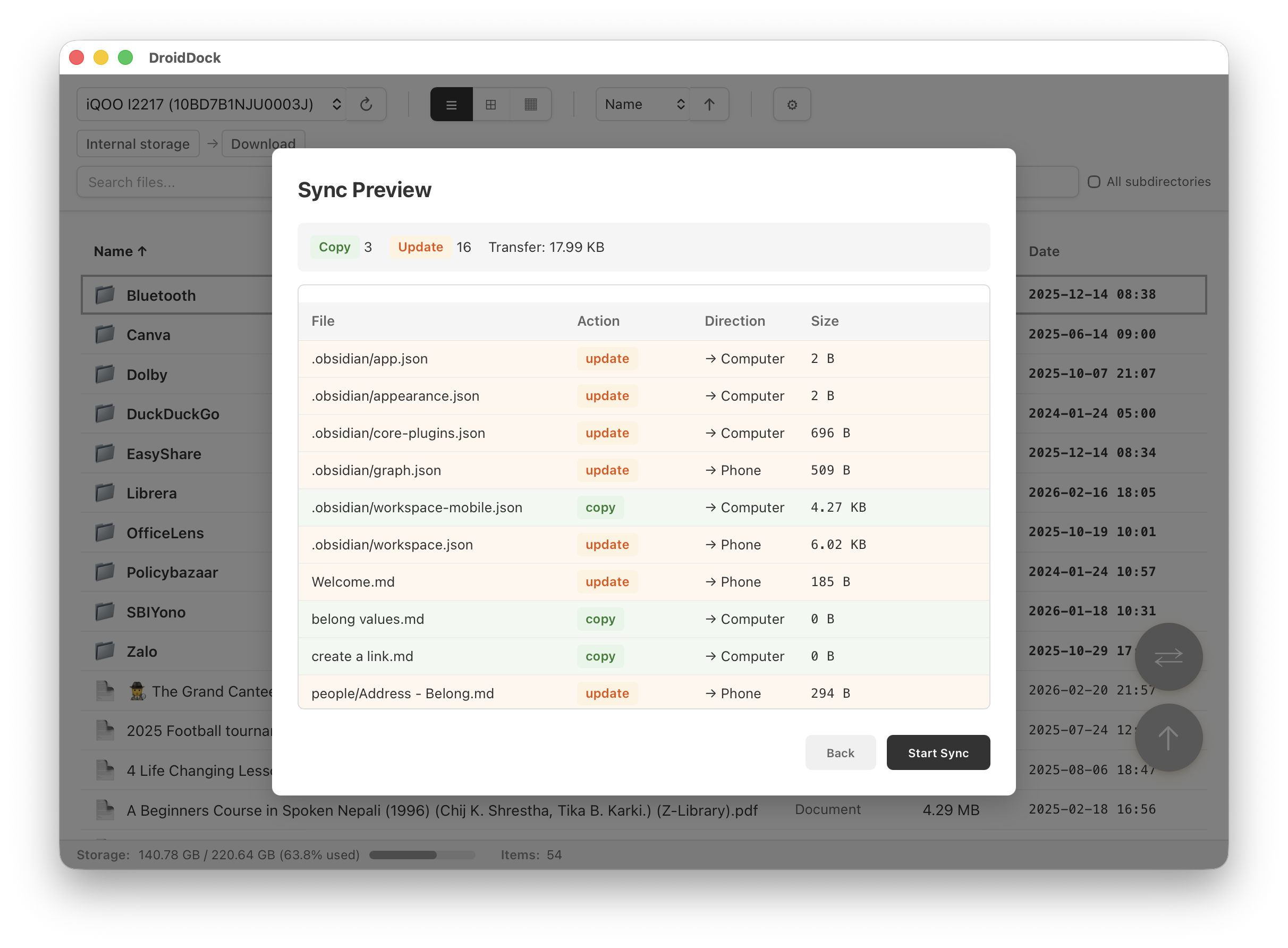
Preview what will change before running the sync
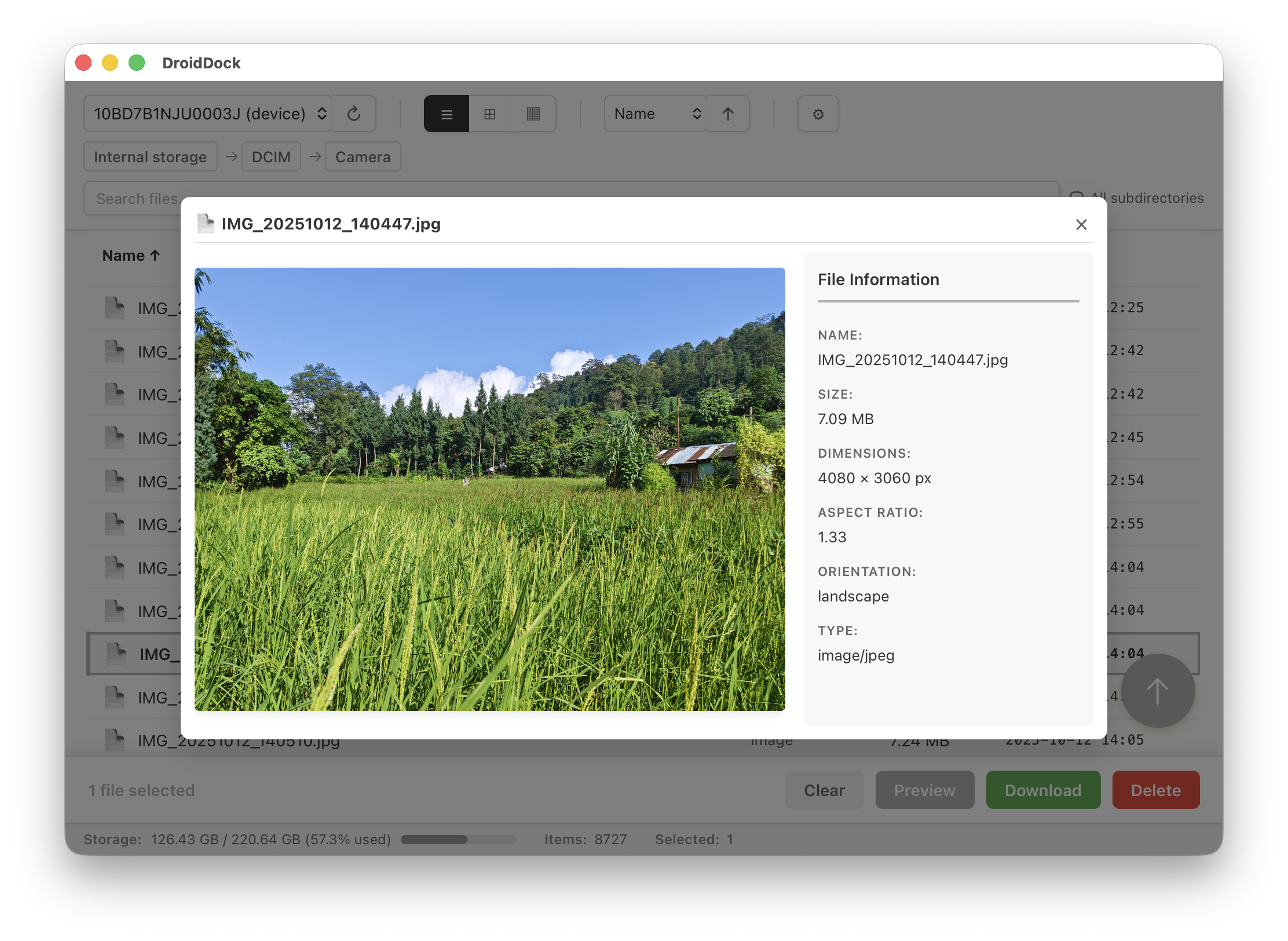
Preview images and text without downloading
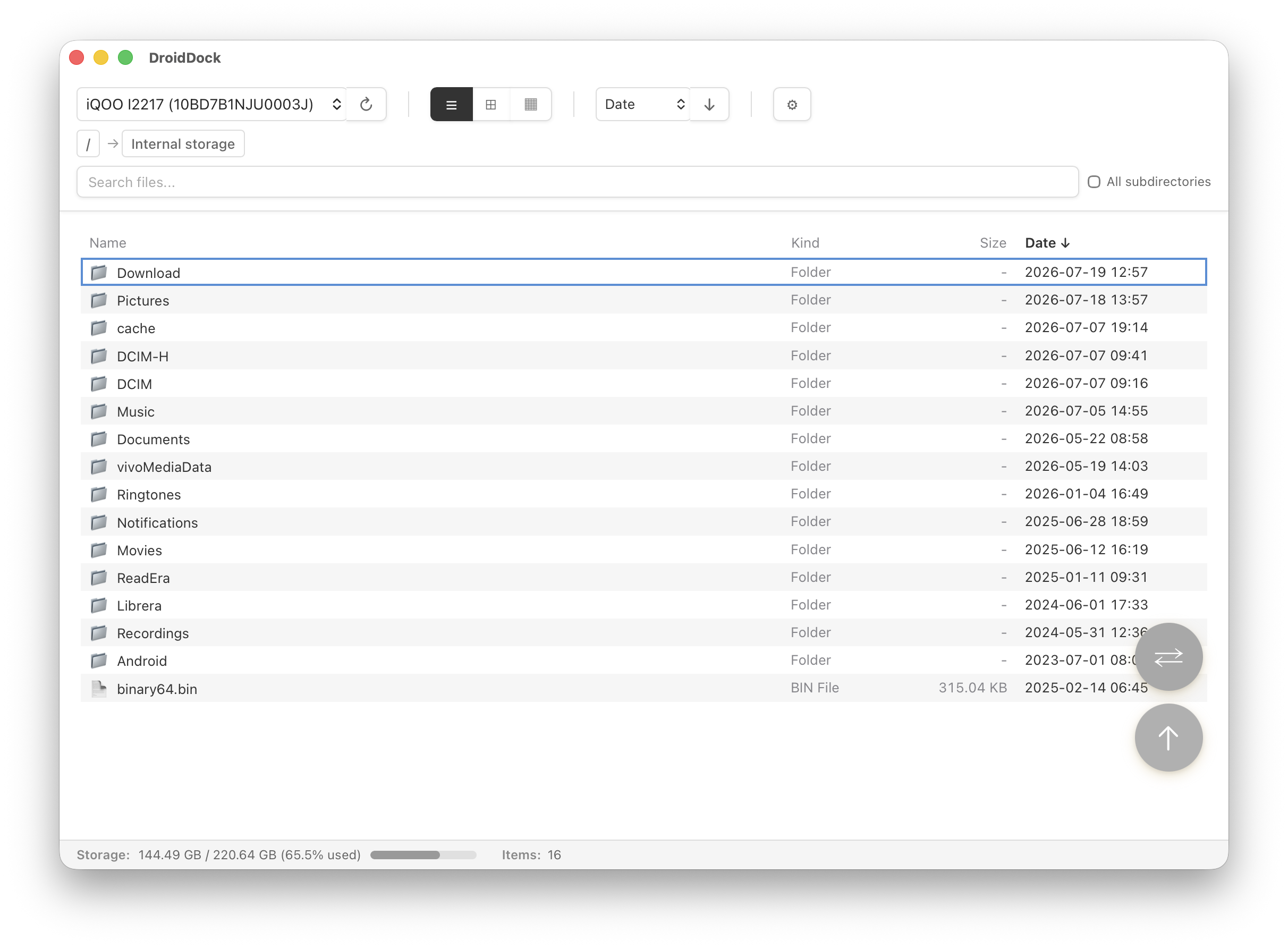
Browse files in a clean, space-efficient list format
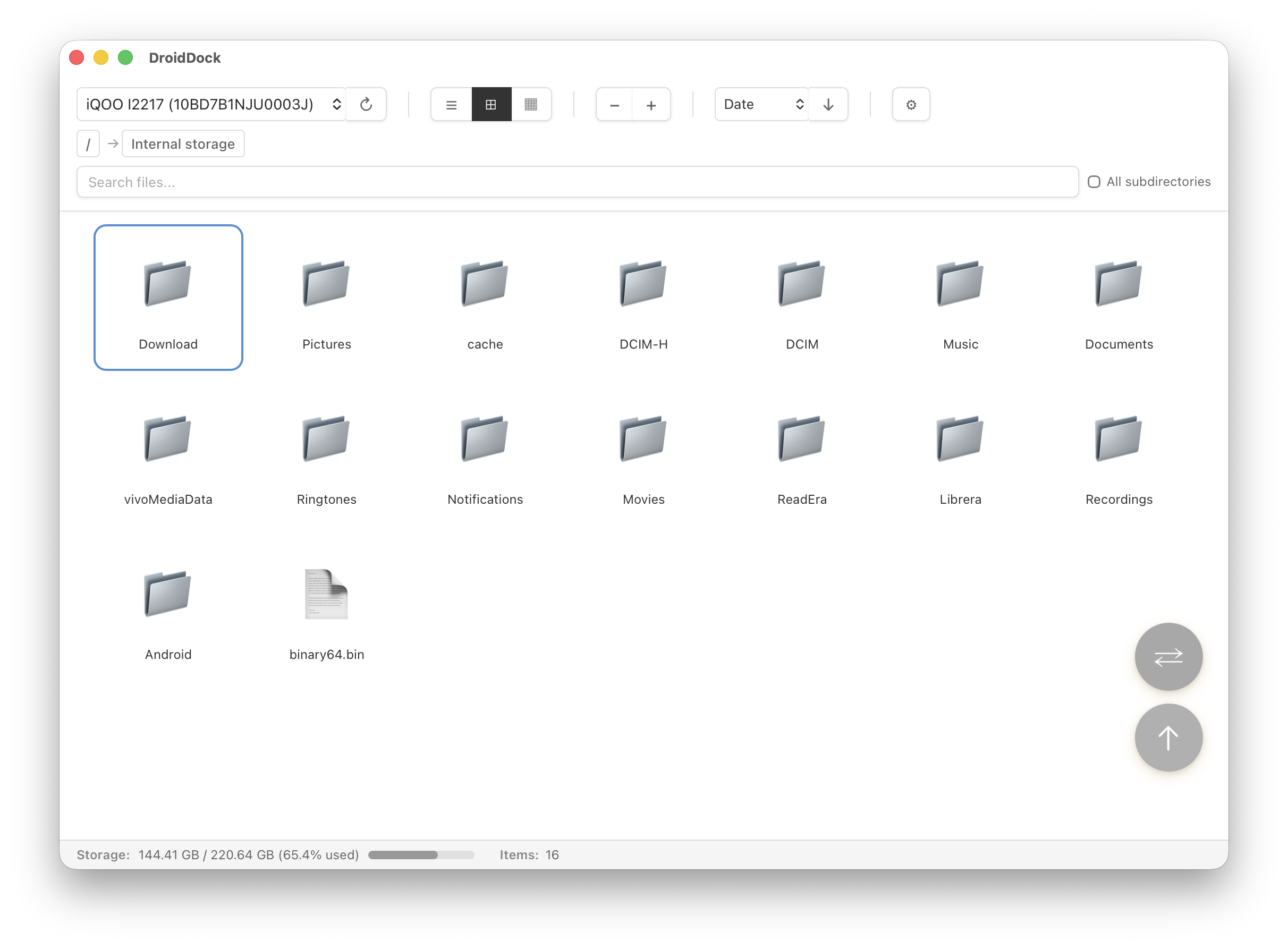
Browse folders visually in grid layout
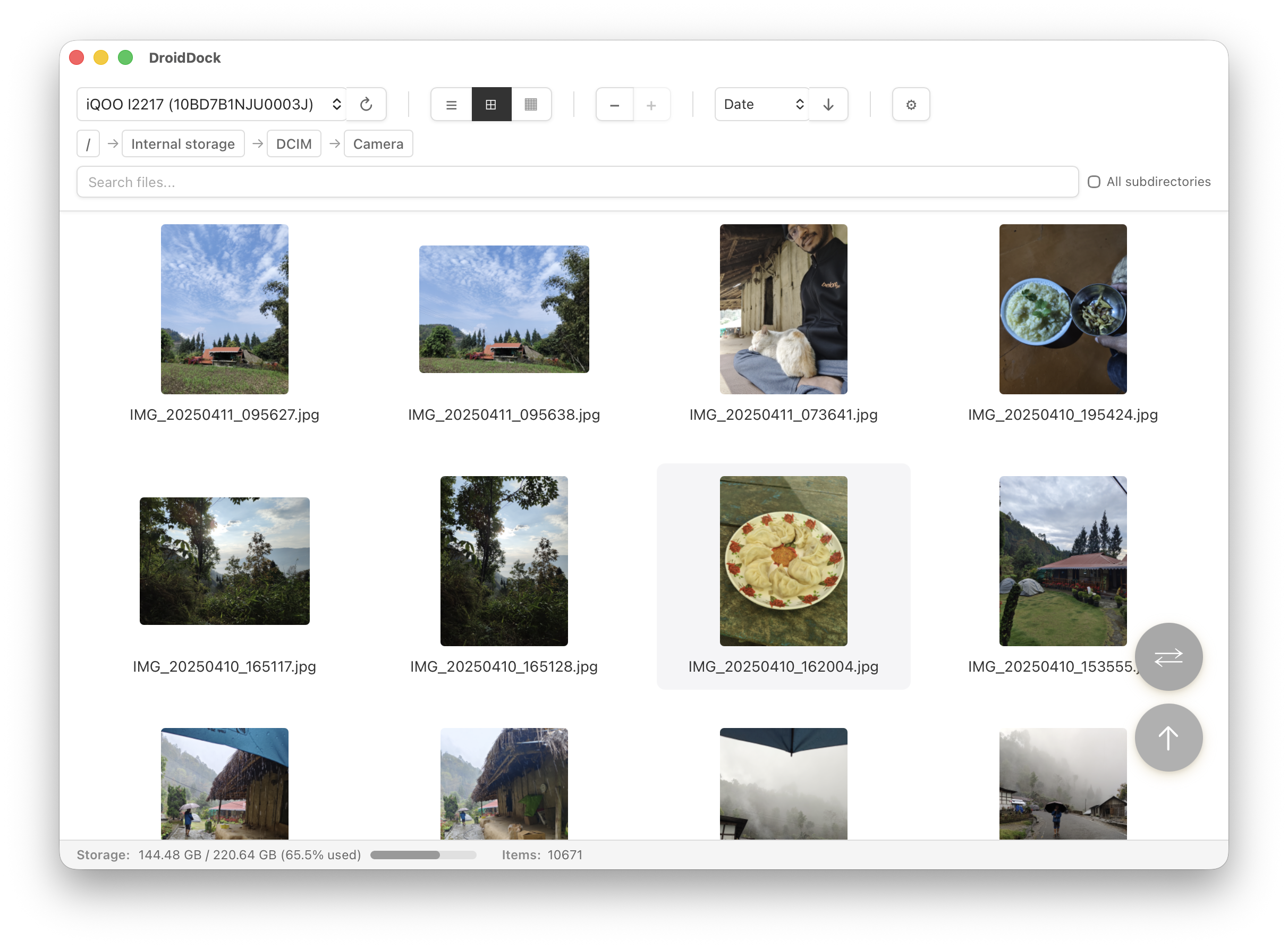
Visual browsing with image thumbnails
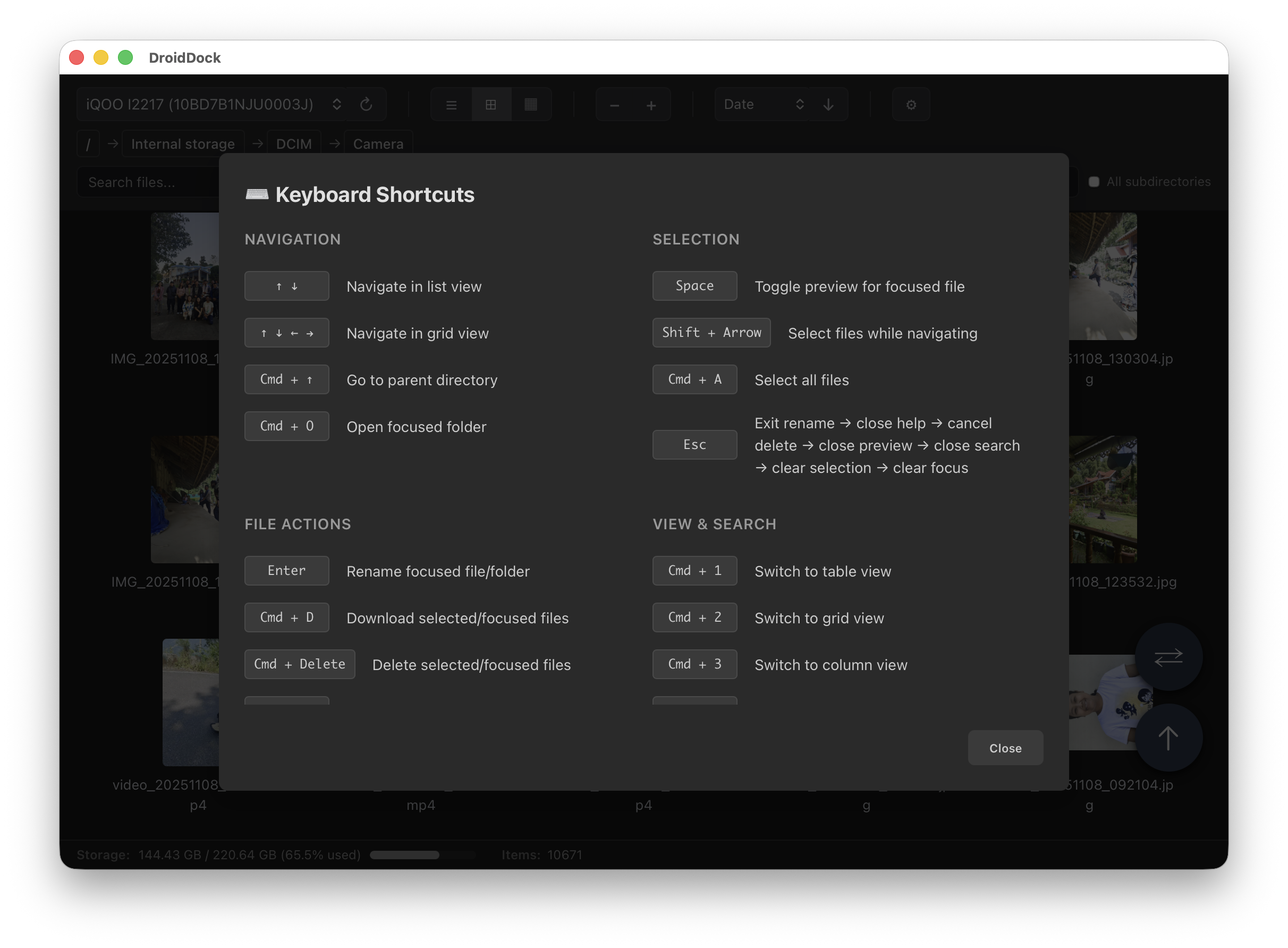
Full keyboard navigation with a helpful reference
View what's new in each version
Recursive folder download with conflict handling, folder selection in all view modes, new settings modal with Light/Dark/Sync with System appearance, and dark-mode fixes
Saved sync configurations, root breadcrumb button, internal storage detection fixes for MIUI/Android 12, and Intel Mac improvements
Folder sync between Mac and Android, device model name in selector, new keyboard shortcuts, and UI improvements
Skip duplicate downloads option plus Homebrew Cask installation support and docs updates
Manual dark mode toggle, improved app icon padding, fixed progress display
Minimalist UI redesign, clickable column sorting, simplified zoom controls, new Android robot icon
File preview system, keyboard navigation in preview, Kind column, enhanced keyboard shortcuts
Get started in under five minutes
Universal Binary (Apple Silicon + Intel)
brew tap rajivm1991/droiddock && brew install --cask
            droiddock
DroidDock.dmg filexattr -cr /Applications/DroidDock.app in Terminal once,
then open the app normally. Code signing will be added in future
releases.
