What's New in v0.2.0
File Preview System
View images and text files without downloading them. Press Space to open a quick preview modal with file metadata (dimensions, size, type). Dynamic modal sizing adapts to portrait, landscape, or square images.
Keyboard Navigation in Preview
Navigate between files using arrow keys while in preview mode. Space key provides quick-preview without changing your current selection.
Kind Column
New "Kind" column in table view shows file types at a glance: Document, Image, Video, Audio, Archive, etc.
Simplified View Modes
Streamlined from 4 to 3 view modes: Table (Cmd+1), Grid (Cmd+2), and Column (Cmd+3). Removed redundant List view.
Enhanced Keyboard Shortcuts
Improved focus management, double-click to preview, and better arrow key navigation across all view modes.
Screenshots
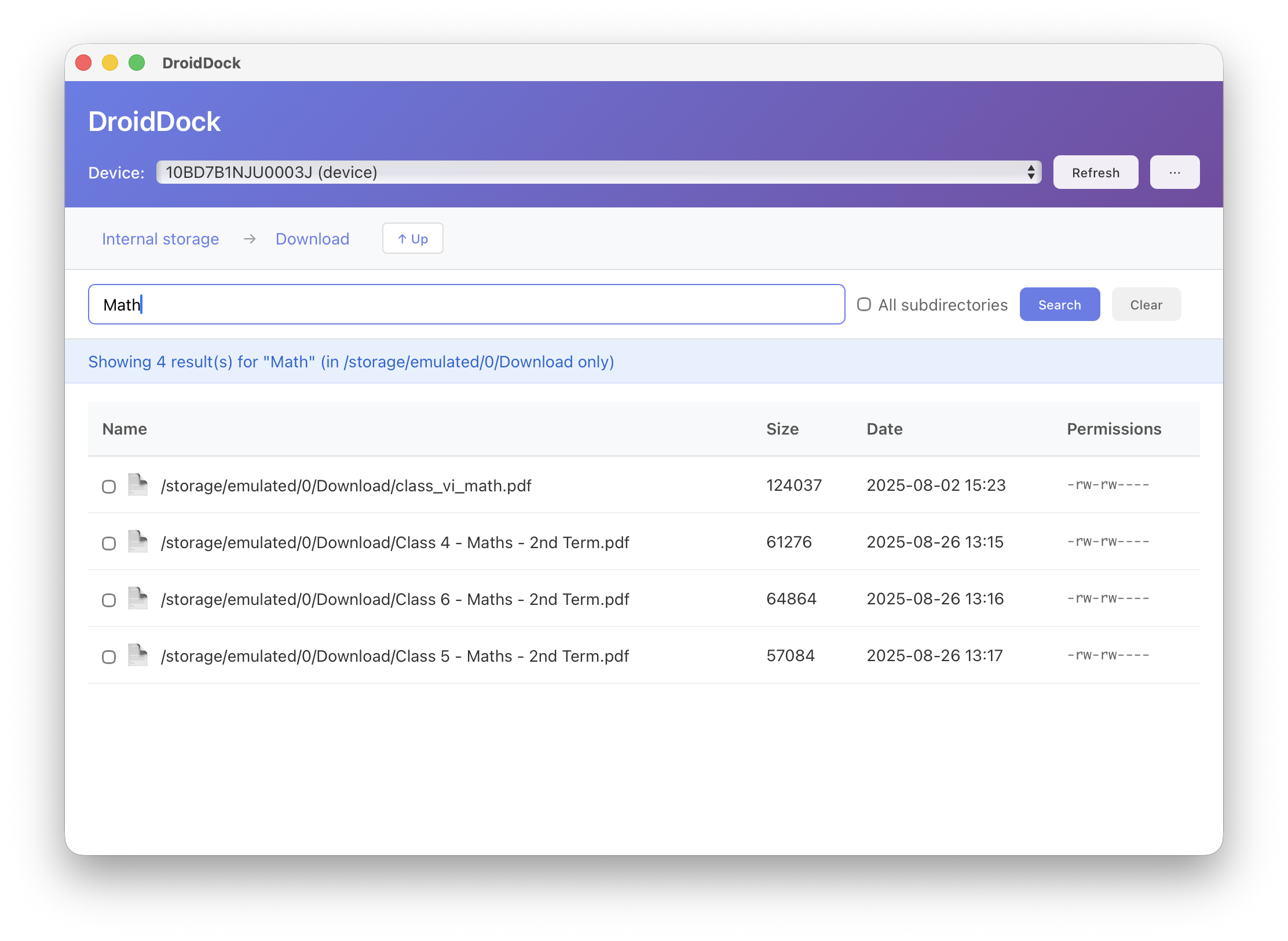
File Search with Preview
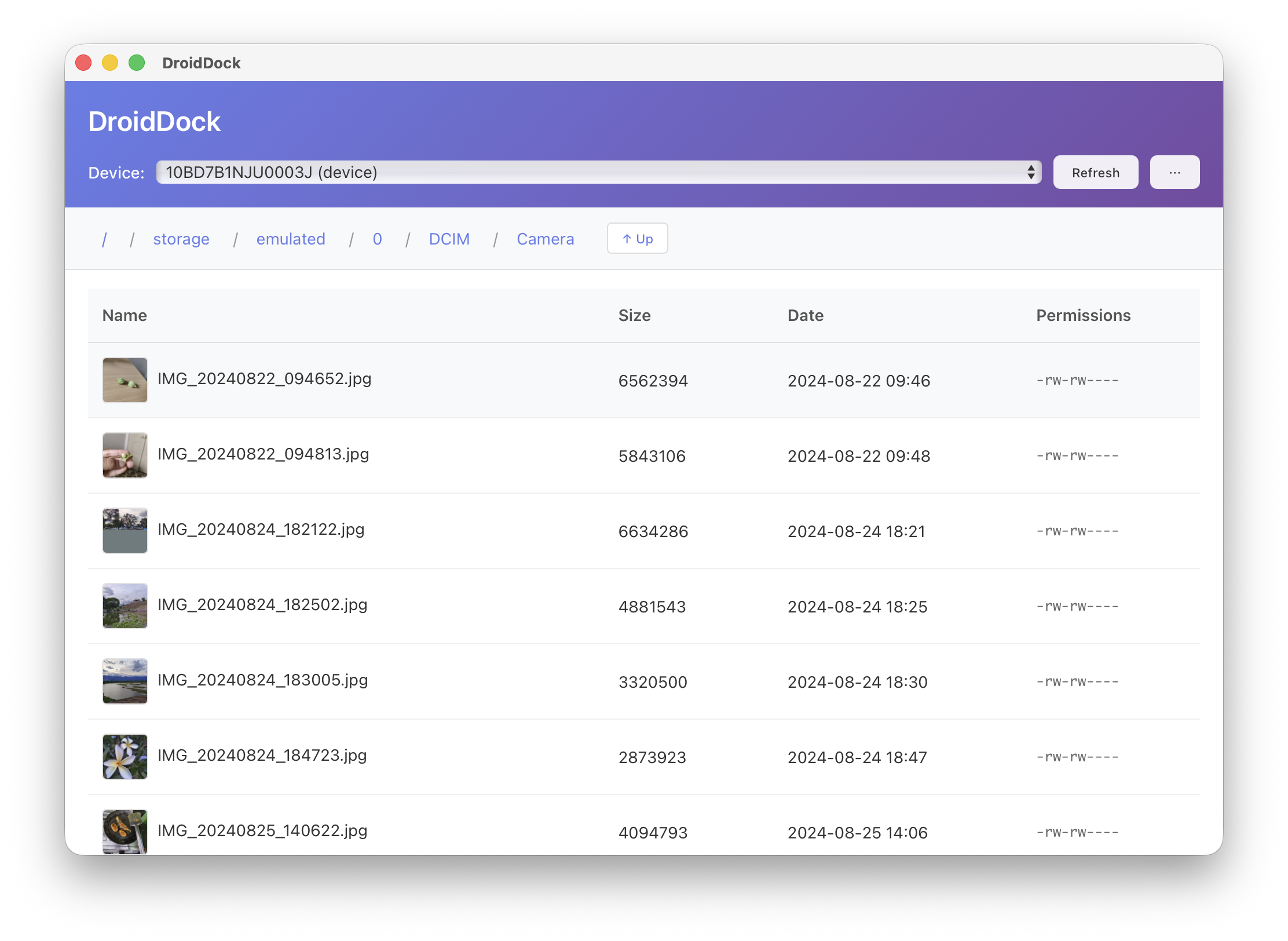
Table View with Kind Column
Download
macOS 10.15+ • Universal Binary (Apple Silicon + Intel)
Full Changelog
v0.2.0 - January 1, 2026
Added
- File preview system (images + text files)
- Image preview with base64 display and high-quality rendering
- Text file preview with syntax highlighting
- Two-column layout (image + metadata panel)
- Dynamic modal sizing based on image orientation
- Keyboard navigation in preview modal (arrow keys)
- Space key for quick-preview without changing selection
- "Kind" column in Table View
- Scrollbar in Keyboard Shortcuts Dialog
Changed
- Simplified from 4 to 3 view modes (Table, Grid, Column)
- Updated keyboard shortcuts: Cmd+1 (Table), Cmd+2 (Grid), Cmd+3 (Column)
- Enhanced visual feedback with stronger selection indicators
- Compact header design with 3-line structure
- Improved breadcrumb navigation with better truncation
Removed
- List view mode (streamlined to 3 essential view modes)
- Cmd+4 keyboard shortcut
Fixed
- Focus management when navigating between directories
- Text selection in preview modal and input fields
- Preview navigation edge cases
- Arrow key navigation consistency across view modes